Qwen-Image-3.0 for e-commerce visuals: features and review tips
Alibaba Cloud lists Qwen-Image-3.0 as an image generation and editing model. Its official Model Studio materials describe long prompt input and multilingual text rendering, including support for 12 languages and 20+ font families. These capabilities can help with image concepts that contain copy or structured layouts, but generated text and product details still need review. See Alibaba Cloud's model listing and API reference for current specifications.
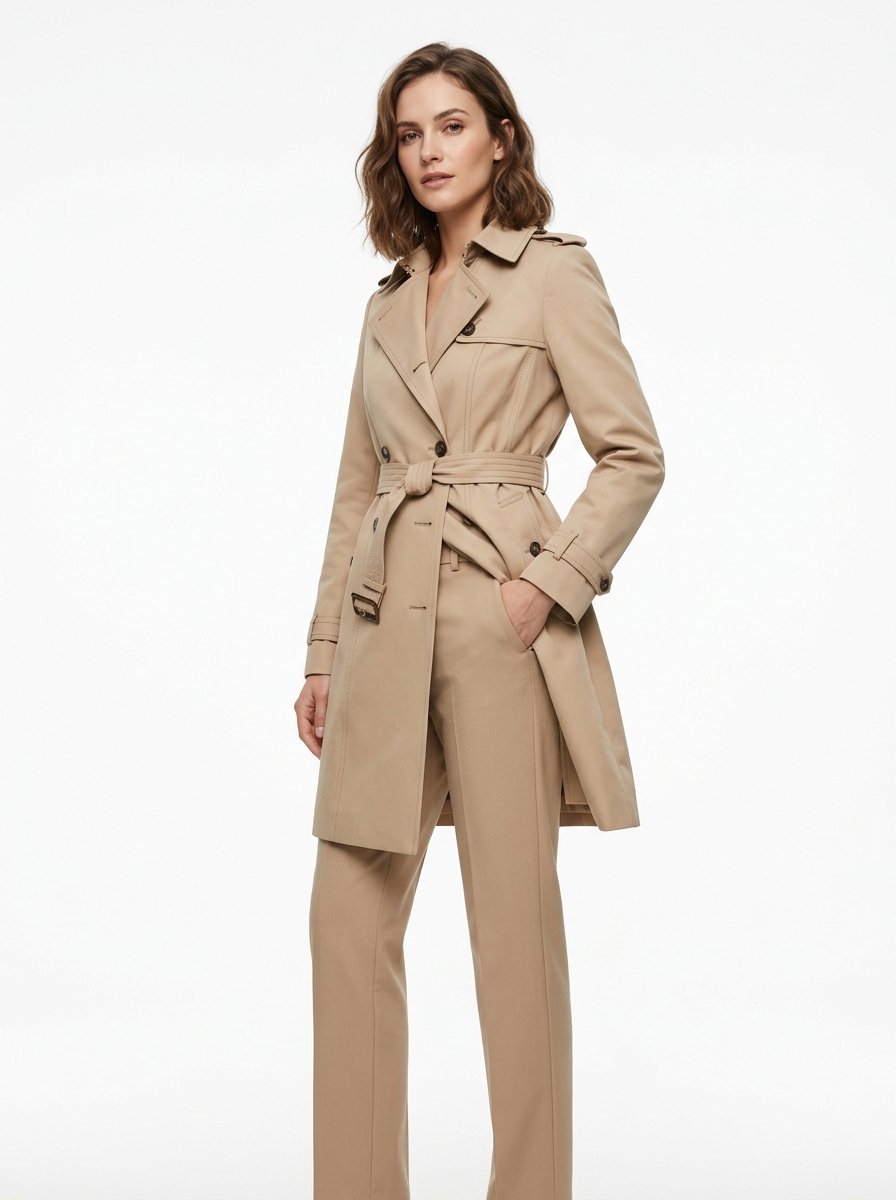
AI-generated apparel visual example
1. Documented capabilitiesVISNOVA AI
Alibaba Cloud describes Qwen-Image-3.0 as supporting image generation and editing. The model's version, endpoint, and account settings determine which options are available.
1. Longer prompt input
The Model Studio listing describes prompt input up to 4.5k tokens for the listed model versions. Longer instructions can help specify layout, objects, lighting, and text placement in one request. Follow the API's current input limits rather than assuming every version has identical settings.
2. Text in multiple languages
Alibaba Cloud lists text rendering across 12 languages and 20+ font families, including small text in its model description. This can help draft posters, infographics, and product visuals with embedded copy. It does not remove the need to proofread spelling, prices, legal copy, or line breaks.
3. Image generation and editing
The official API reference covers text-to-image generation and image editing. Check the reference for supported inputs and parameters; do not assume a particular number of reference images, output count, or resolution unless the selected endpoint documents it.
2. What to verify in generated commerce visualsVISNOVA AI
Use generated images as drafts that need review. In particular, check:

Example of a product visual with embedded marketing text
3. A practical review workflowVISNOVA AI
4. Check current Visnova availabilityVISNOVA AI
This article does not announce that Qwen-Image-3.0 is integrated into Visnova. Check the current Visnova product interface for models and workflows available to your account. Alibaba Cloud documents Qwen-Image-3.0 through its own Model Studio service; features and access may vary by endpoint and region.